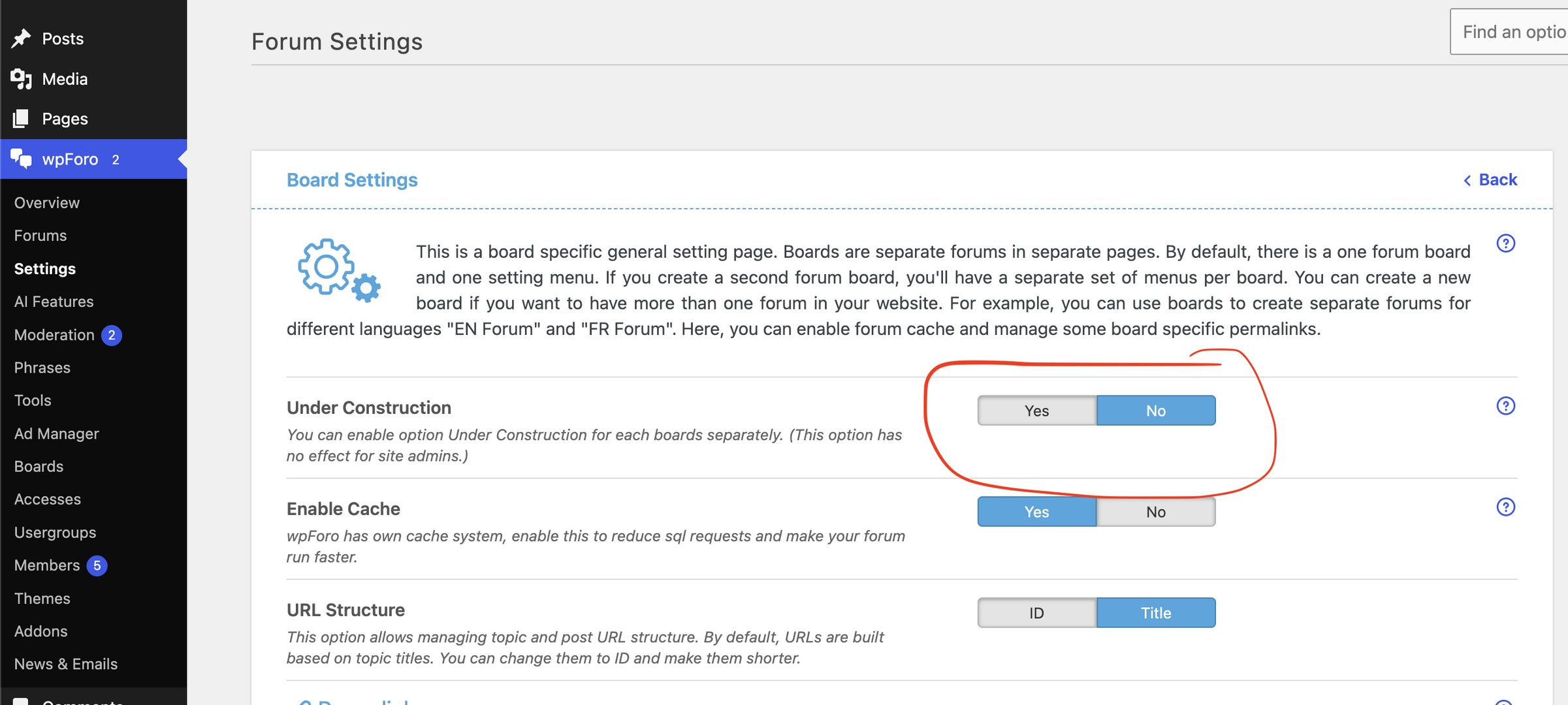
"Under Construction" option is not enabled.
I've found that in wpForo > Settings > Login & Registration, after defining URLs for
Redirect After Login (my site redirects to landing page)
Redirect After Registration (my site redirects to landing page)
Redirect After Subscription Confirmation (my site redirects to Login page)
a non-member is redirected to the Login page when "Add Topic" is selected

Hi @bberry,
Please navigate to wpForo > Overview admin page, scroll down, find the [Delete All Caches] button and click it.
If you have more than one Board, you should check the settings of each borard and make sure the Under Construction option is disabled.
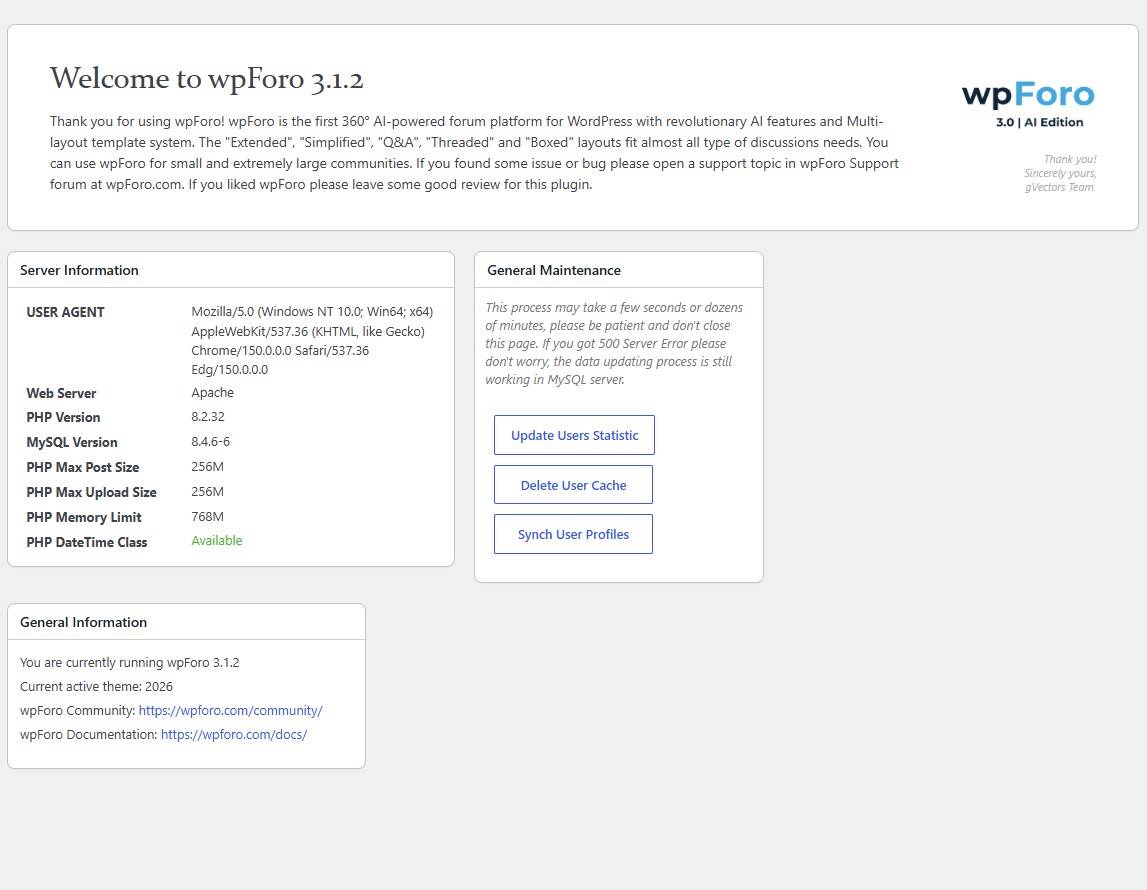
On wpForo > Overview admin page, there isn't an option to [Delete All Caches]. There is only [Delete User Cache]. See attached img file. I deleted user cache.
To be clear, I have two boards, neither of which have "Under Construction" option enabled.
This is not a cock-pit error. It is a bug.