

hello
An important feature that is better to be present is the feature of including images in the content of the topics
(insert images) Image insertion which is located in the post editor
This feature is present in almost all types of forums, and is an important feature for making it easier to include images in a coordinated manner within a thread.
I apologize for the language errors

this forum software already offers the ability to upload images in posts.
You get to upload 1 image per post with wpForo free, or you can purchase the 'advanced attachment' add-on, which lets you upload as many pictures per post as you want.


(insert images) Image insertion which is located in the post editor
Hi @salahsalem,
You can attach an image using [Choose File] button under the editor:
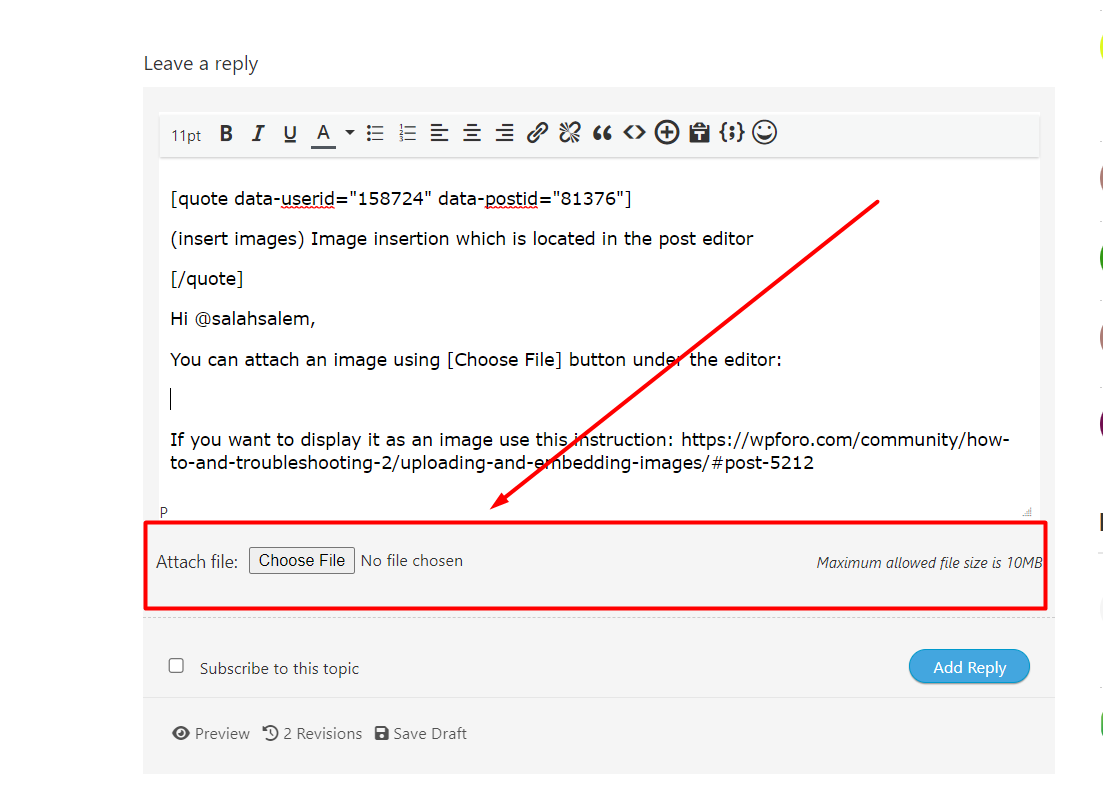
If you want to display it as an image use this instruction: https://wpforo.com/community/how-to-and-troubleshooting-2/uploading-and-embedding-images/#post-5212