
[Solved] CSS reference for text drums, how?
Hi.
How can I change the background color of the text boxes?
How can I reference them in CSS?
Either individually or globally.
Thank you in advance for your help.

Use inspect element tool, then select the text you want to change. Then look for its current CSS styles and change them accordingly by going to Dashboard > WpForo > Settings > Styles settings.
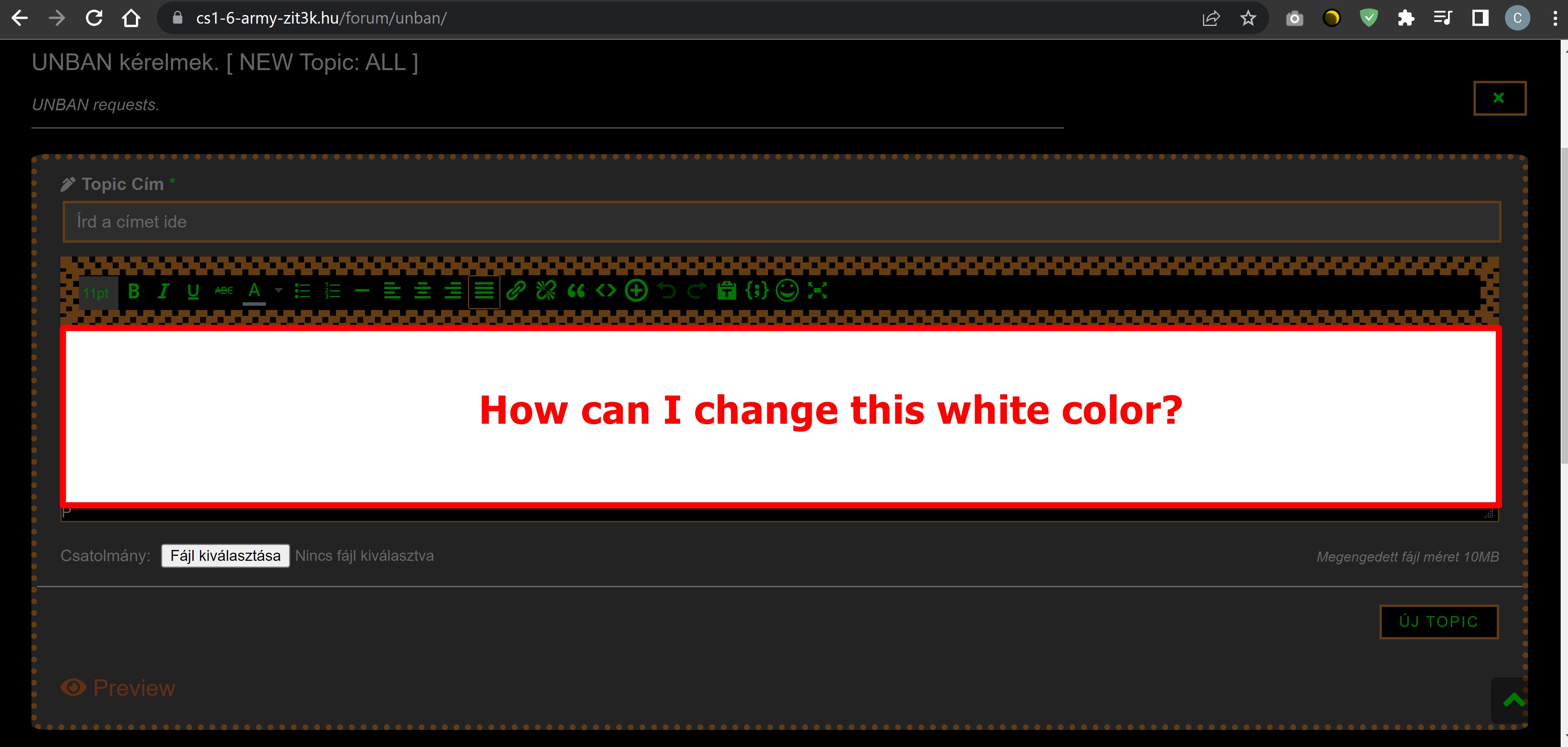
Try the below CSS:
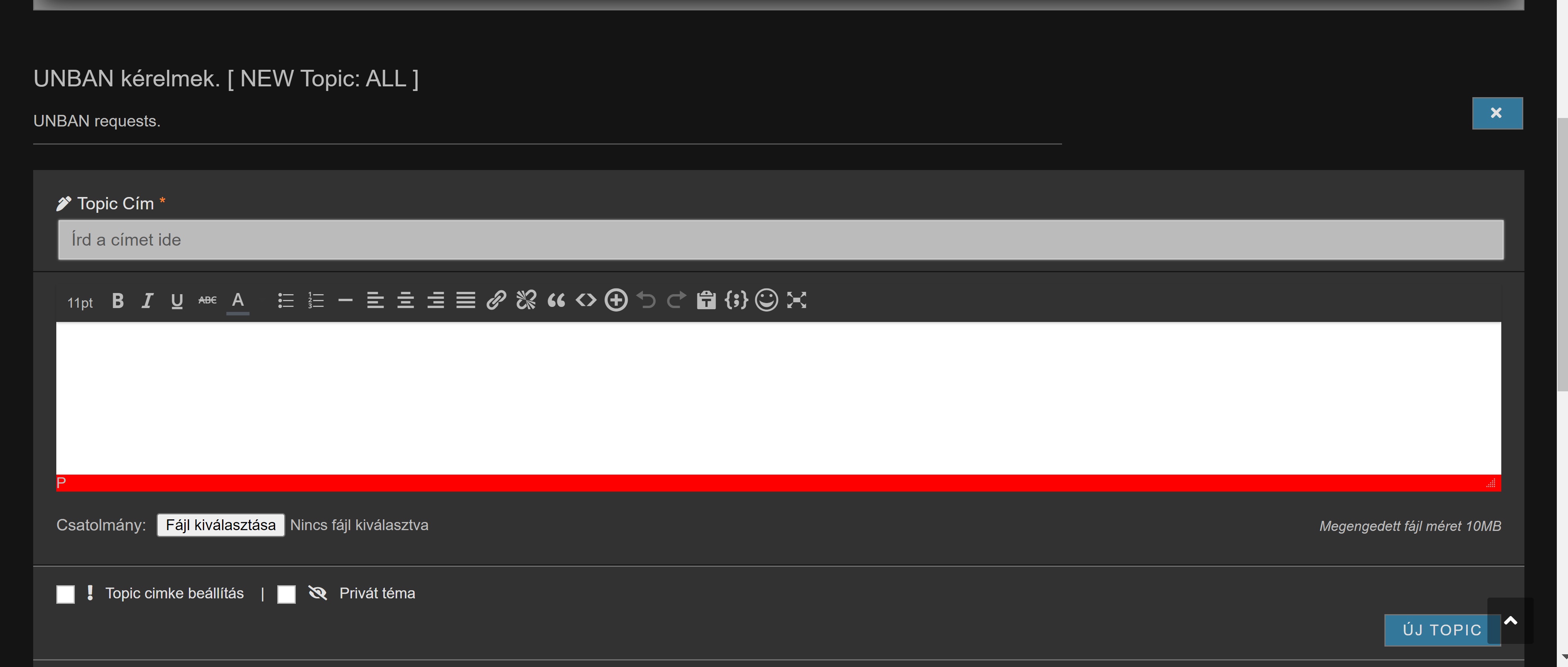
 .mce-content-body , .mce-path.mce-flow-layout-item.mce-first {
    background-color: grey;
}
In case you want to say thank you !)
We'd really appreciate and be thankful if you leave a good review on plugin page. This is the best way to say thank you to this project and support team.

In case you want to say thank you !)
We'd really appreciate and be thankful if you leave a good review on plugin page. This is the best way to say thank you to this project and support team.

Posted by: @chris.mce-content-body , .mce-path.mce-flow-layout-item.mce-first { background-color: grey; }
In the code above, I changed the gray to red and tried it, but unfortunately it didn't color where it should have. 🙁
( I always delete ALL CSS settings I've made before trying a new CSS code. )
In case you want to say thank you !)
We'd really appreciate and be thankful if you leave a good review on plugin page. This is the best way to say thank you to this project and support team.
please make My account in your website as an admin:
https://fullinfo-forum.cs1-6-army-zit3k.hu/forum/profile/wpforosupport/
need to check whats going on
In case you want to say thank you !)
We'd really appreciate and be thankful if you leave a good review on plugin page. This is the best way to say thank you to this project and support team.
Posted by: @chrisplease make My account in your website as an admin:
https://fullinfo-forum.cs1-6-army-zit3k.hu/forum/profile/wpforosupport/
need to check whats going on
I was going to bring it up. I gave. 🙂
Tried everything, but the TinyMCE editor just doesn't let the CSS work. DOnt know what else can be done there.
In case you want to say thank you !)
We'd really appreciate and be thankful if you leave a good review on plugin page. This is the best way to say thank you to this project and support team.
Posted by: @chrisTried everything, but the TinyMCE editor just doesn't let the CSS work. DOnt know what else can be done there.
Thank you very much!
If I catch up with the creator of the theme, would he be able to help or is WordPress itself at fault?
Found the solution. Check this Topic: https://wpforo.com/community/how-to-and-troubleshooting-2/changing-background-color-of-tinymce-editor/
In case you want to say thank you !)
We'd really appreciate and be thankful if you leave a good review on plugin page. This is the best way to say thank you to this project and support team.
Posted by: @chrisFound the solution. Check this Topic: https://wpforo.com/community/how-to-and-troubleshooting-2/changing-background-color-of-tinymce-editor/
Entering +code in functions.php helped, THANK YOU! 🙂
-
Requesting support for the CSS of certain link elements
9 months ago
-
Long usernames causing horizontal overflow in message view
9 months ago
-
Mobile horizontal scrolling issue – content exceeds viewport width
9 months ago
-
Css Remove buttons profile
11 months ago
-
Recent Topics user icon
11 months ago
- 19 Forums
- 14.3 K Topics
- 71.7 K Posts
- 33 Online
- 6,472 Members