
Notifications
Clear all

Limited Support

Our support team is currently on holiday from December 25, 2025 to January 7, 2026, and replies may be delayed during this period.

We appreciate your patience and understanding while our team is away. Thank you for being part of the wpForo community!

Merry Christmas and Happy Holidays! 🎄

Style [Closed] Mobile Friendly (Topic & Home)

8 Posts
3 Users
0 Reactions
1,859 Views
Posts: 9
Topic starter
(@joorkataa)
Active Member
Joined: 3 years ago

Hello, I recently migrated from phpbb and I am very happy with wpforo, but I have some small problems with the mobile version.

The problem is as follows when I enter a topic, there is stretching of the screen, I am attaching a photo below
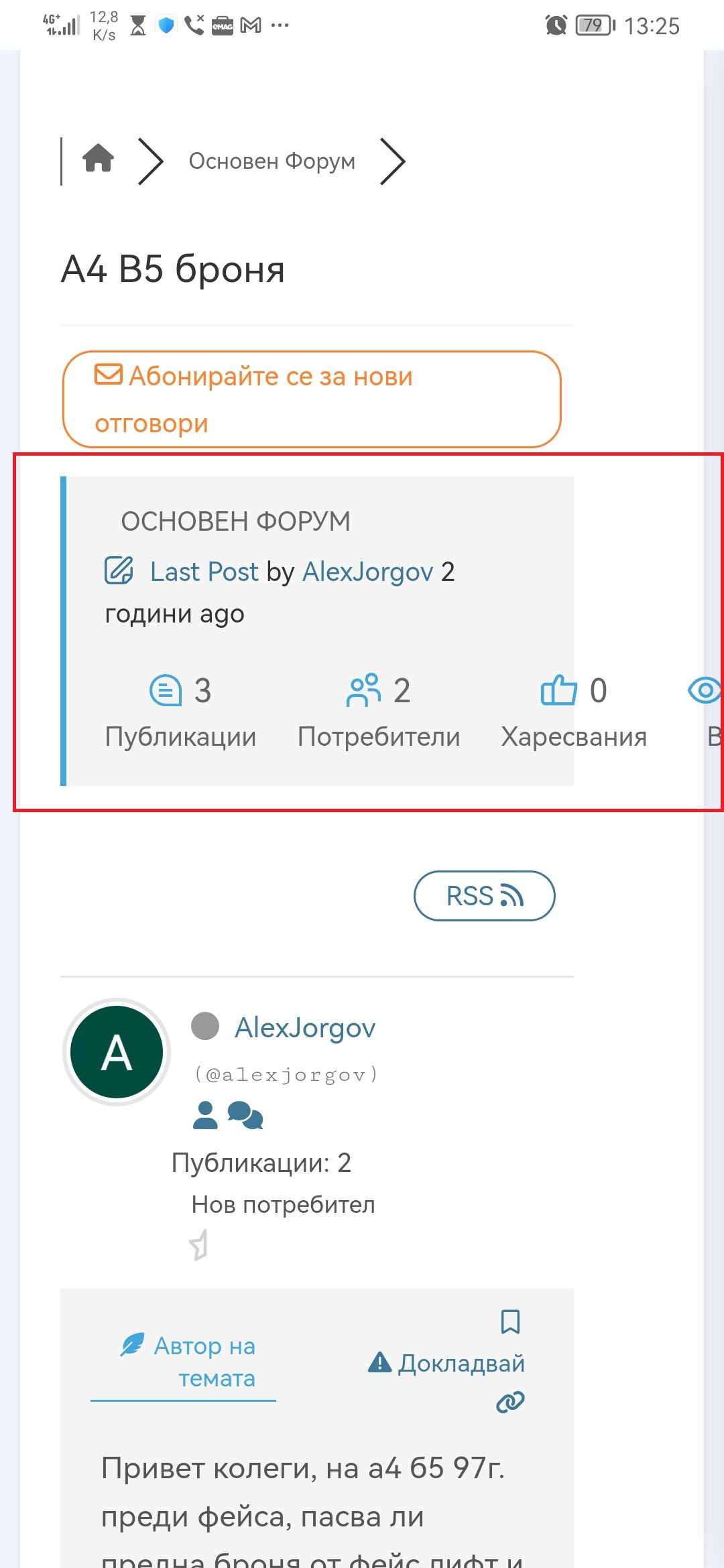
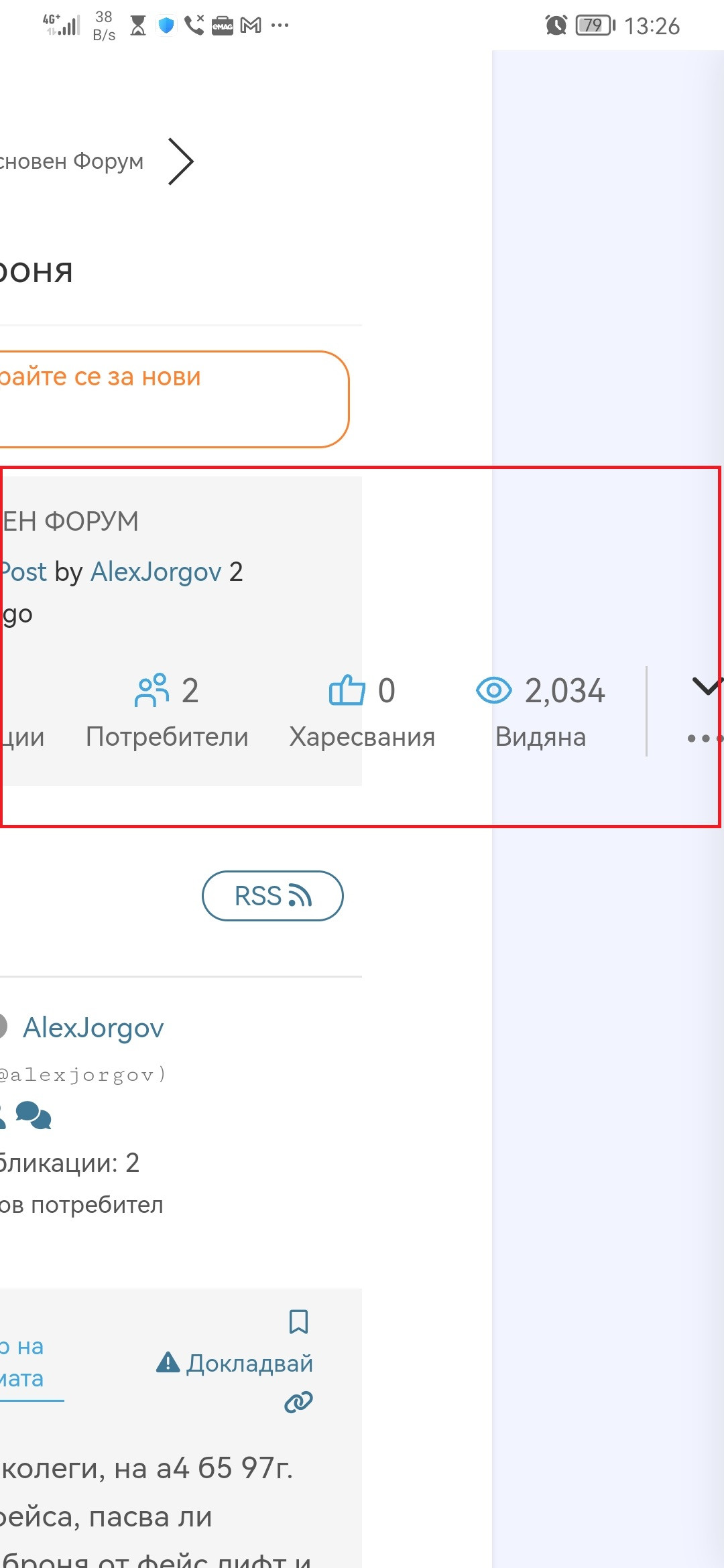
Screenshot 20230109 132551 com.android.chrome


The other problem I noticed is that the width of the forum is not at 100%, I tried to change it from Settings, Colors & Styles, Custom CSS Code but it doesn't work, I tried every way but it doesn't work... :/

Here's a picture



7 Replies
Posts: 991
Moderator
(@martin)
Support Team
Joined: 9 years ago

Hi @joorkataa,

Please leave a URL to your forum. I see some CSS Conflicts with your theme.


1 Reply
(@joorkataa)
Joined: 3 years ago

Active Member
Posts: 9

@martin www.vagclub.bg 🙂


Posts: 9
Topic starter
(@joorkataa)
Active Member
Joined: 3 years ago

I've been trying all day and it still doesn't work... :/


1 Reply
Chris
(@chris)
Joined: 4 years ago

Famed Member
Posts: 3610

Hi @joorkataa,

please provide the width(dimension) of the screen


Posts: 9
Topic starter
(@joorkataa)
Active Member
Joined: 3 years ago


I found where the problem is coming from

When I remove this code, the forum works fine, but the posts are crapping :/

@media (max-width: 767px) {
    .post-content-wrap .post-content-share {
        -ms-flex: 0 0 70px;
        flex: 0 0 70px;
        max-width: 70px;
    }
    .post-content-wrap .post-content {
        -ms-flex: 0 0 calc(100% - 70px);
        flex: 0 0 calc(100% - 70px);
        max-width: calc(100% - 70px);
    }
}


2 Replies
Chris
(@chris)
Joined: 4 years ago

Famed Member
Posts: 3610

@joorkataa,

I can try to write CSS code to solve your issue, if you want, just need to know what's the width of the screen, to know where to start from.


(@joorkataa)
Joined: 3 years ago

Active Member
Posts: 9

Posted by: @chris

@joorkataa,

I can try to write CSS code to solve your issue, if you want, just need to know what's the width of the screen, to know where to start from.


767px 🙂