AI Search
Classic Search
 Search Phrase:
 Search Type:
Advanced search options
 Search in Forums:
 Search in date period:

 Sort Search Results by:

AI Assistant
Notifications
Clear all

Forum wpforo page displays as it should, clicking any forum link makes a mess

3 Posts
2 Users
0 Reactions
421 Views
Posts: 3
Topic starter
Translate ▼
English
Spanish
French
German
Italian
Portuguese
Russian
Chinese
Japanese
Korean
Arabic
Hindi
Dutch
Polish
Turkish
Vietnamese
Thai
Swedish
Danish
Finnish
Norwegian
Czech
Hungarian
Romanian
Greek
Hebrew
Indonesian
Malay
Ukrainian
Bulgarian
Croatian
Slovak
Slovenian
Serbian
Lithuanian
Latvian
Estonian
(@mikeand)
Active Member
Joined: 2 months ago
[#73243]


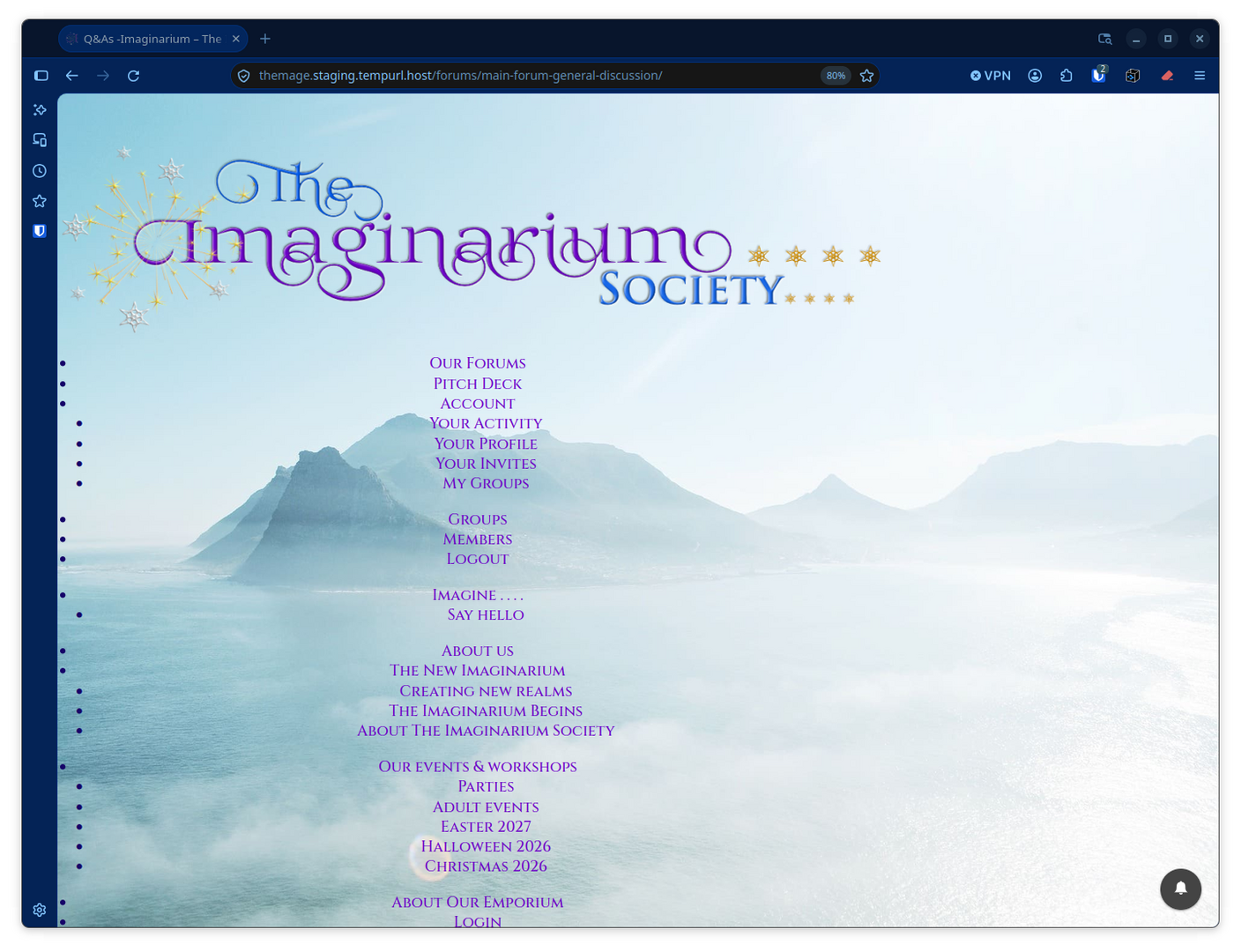
As you can see from the screen shots, my main forum page looks fine, but clicking on any forum link creates a bit of a mess. 🙂

Heres a link to the page

https://themage.staging.tempurl.host/community-forums/
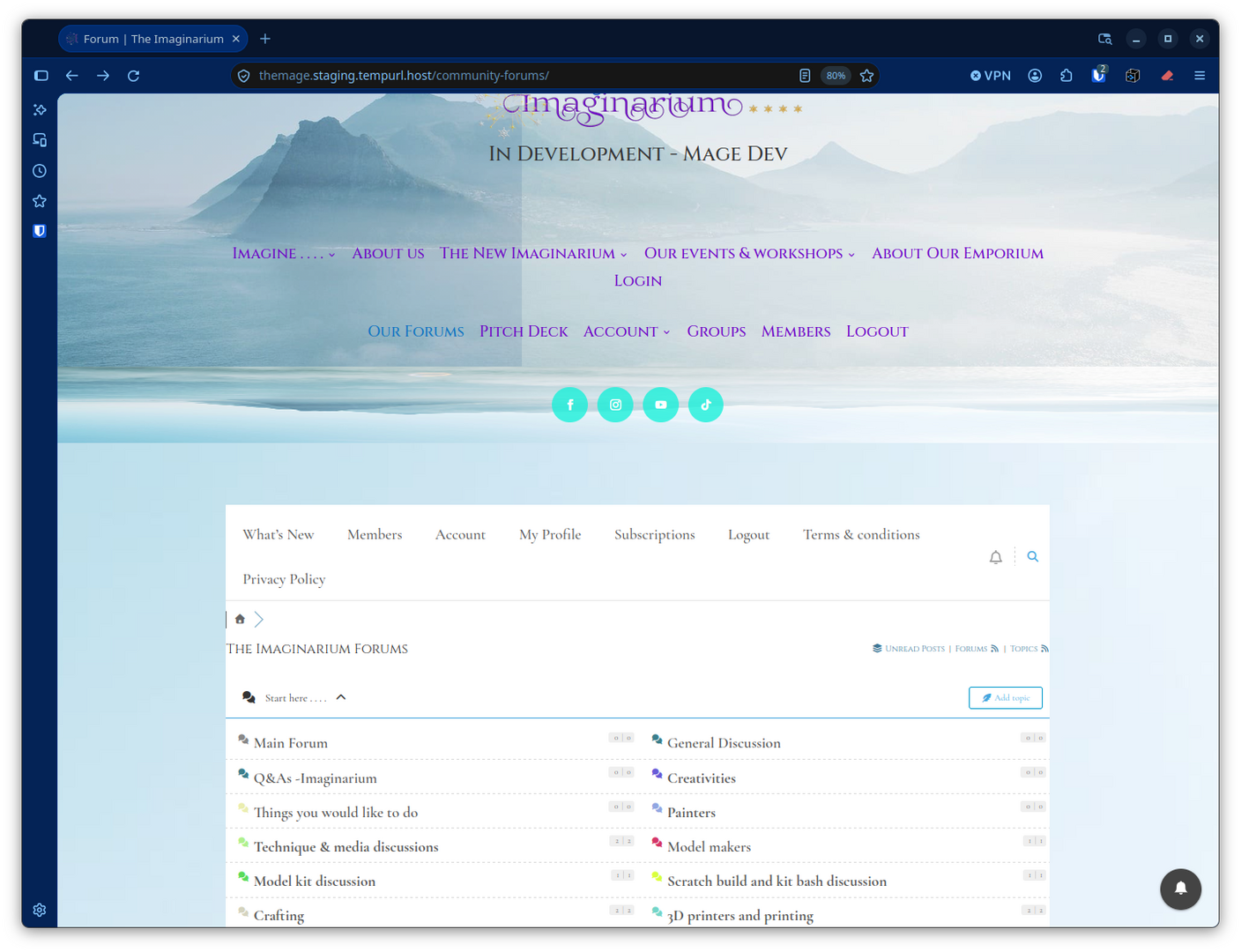
 

Forum page ok
Forums link mess

2 Replies
Posts: 3
Topic starter
Translate ▼
English
Spanish
French
German
Italian
Portuguese
Russian
Chinese
Japanese
Korean
Arabic
Hindi
Dutch
Polish
Turkish
Vietnamese
Thai
Swedish
Danish
Finnish
Norwegian
Czech
Hungarian
Romanian
Greek
Hebrew
Indonesian
Malay
Ukrainian
Bulgarian
Croatian
Slovak
Slovenian
Serbian
Lithuanian
Latvian
Estonian
(@mikeand)
Active Member
Joined: 2 months ago

By way of an update I created some new forums and using the view icon 'open in new window I get this (grab attached)
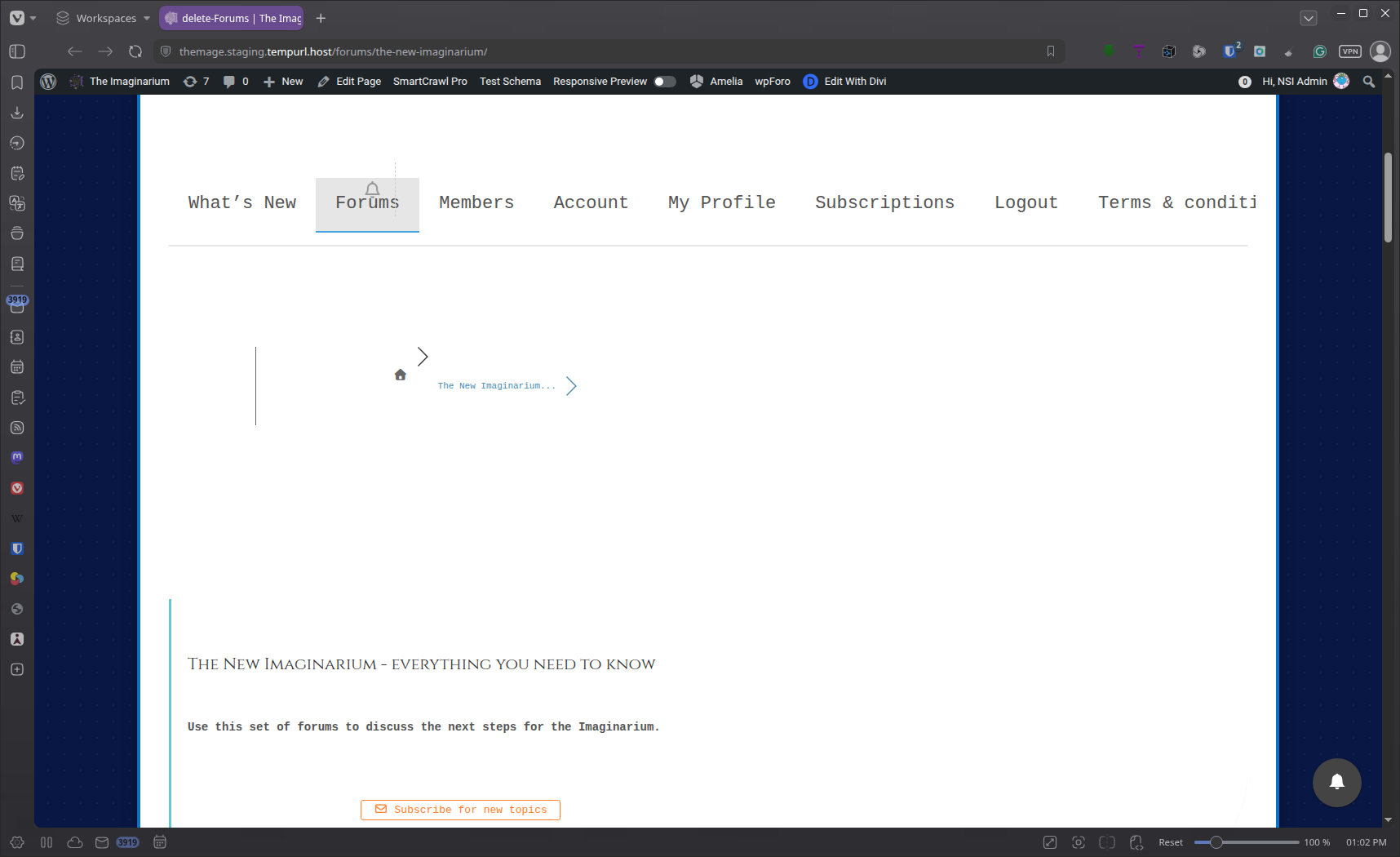

Empty space grab


Reply
1 Reply
Sofy
 Sofy
Admin
(@sofy)
Joined: 9 years ago

Support Team
Posts: 5907
Translate ▼
English
Spanish
French
German
Italian
Portuguese
Russian
Chinese
Japanese
Korean
Arabic
Hindi
Dutch
Polish
Turkish
Vietnamese
Thai
Swedish
Danish
Finnish
Norwegian
Czech
Hungarian
Romanian
Greek
Hebrew
Indonesian
Malay
Ukrainian
Bulgarian
Croatian
Slovak
Slovenian
Serbian
Lithuanian
Latvian
Estonian

@mikeand 

Regarding your first question, could you please share a few more details about the changes you've made, particularly how you modified the slug? This will help us better understand the situation.

Regarding the second screenshot, please edit the page or post containing the shortcode in your WordPress Dashboard. Switch to Edit as HTML and check whether the shortcode is wrapped in a <pre> tag. If you find one, please remove it, save the changes, and check again.


Reply
Share: