

Hey! Really happy with the new layout and look of the forum. Mega cool.
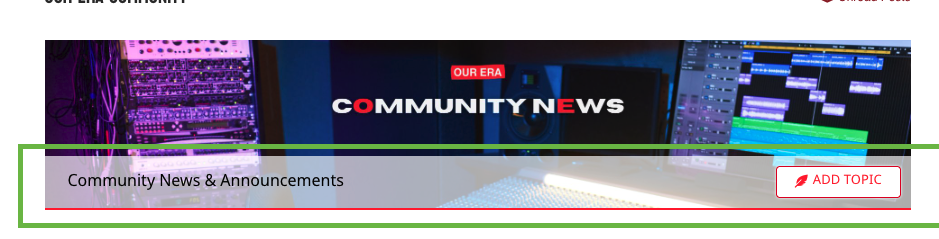
I've been wondering how to get rid of this grey bar across forum headers though (screenshot below)
Ideally, I'd like to remove the grey bar, the text, and the add topic button altogether and just have the image. Is that possible? Maybe a custom CSS snippet might be needed? (I'm no good with CSS!)
Any help would be appreciated. It would look tons cleaner without the grey bar and text so I'm hoping this is doable!

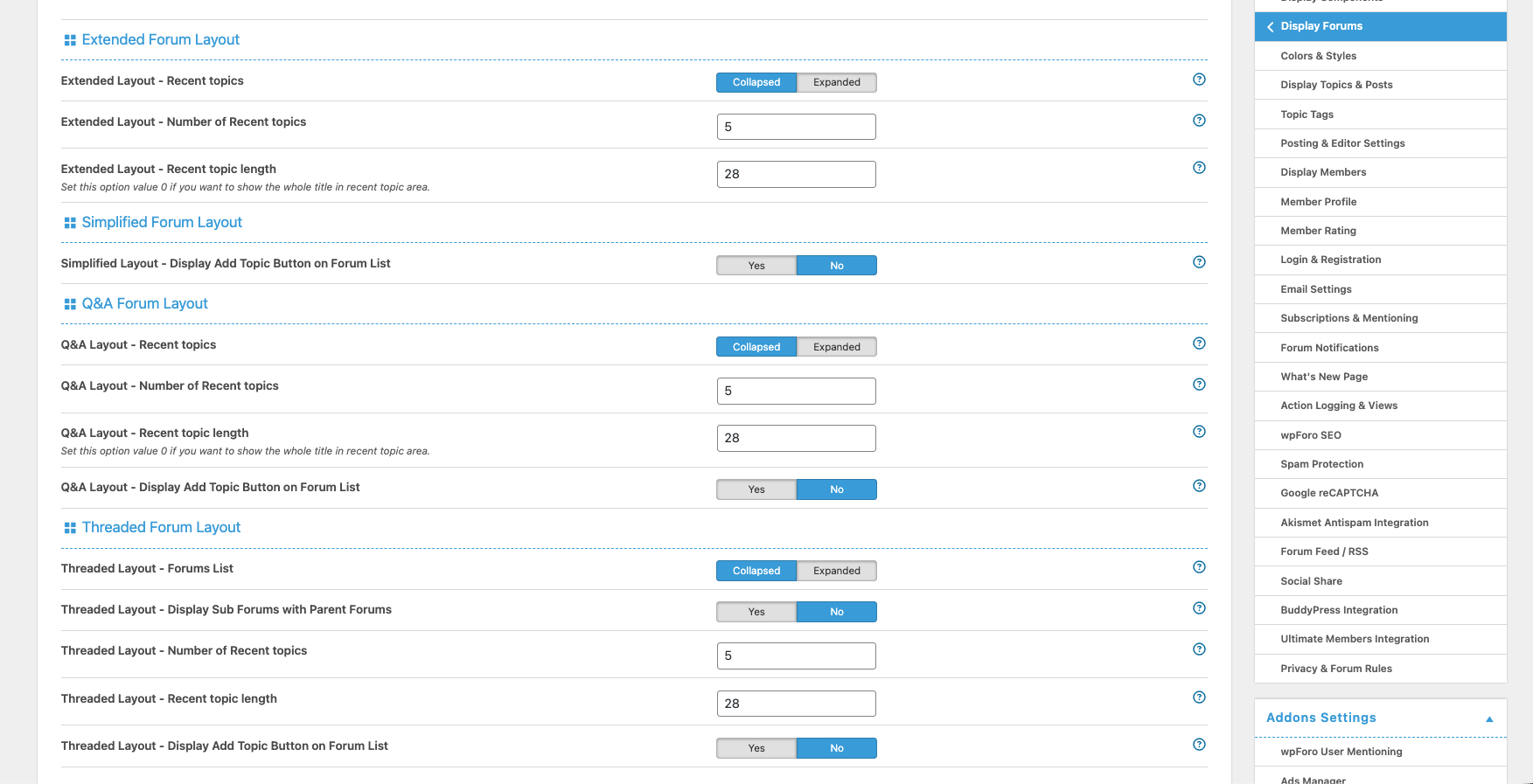
I also noticed there is no editing panel yet for the new 'Boxed' layout in the 'Display Forums' menu in settings. Will this be added at some point so that the 'Add Topic' button can easily be removed?
Any help on removing the grey bar and the text too from the first question would be really appreciated 🙂
No worries. I figured it out and removed the grey bar and text and the add topic button.
If anyone else wants the code then you can add this custom CSS to your WordPress Dashboard → Appearance → Customise → Additional CSS
/* Hide the grey bar under wpForo header images */
#wpforo #wpforo-wrap .wpforo-cat-panel {
display: none !important;
}

/* Remove any leftover spacing under the forum header image */
#wpforo #wpforo-wrap .wpforo-category {
margin-bottom: 0 !important;
}